

Access your Event App
Once registered for the event, accessing the app is seamless! ✨ No downloads. No app stores. Just instant access in your mobile browser.
More features at your fingertips.
The [Event Name] Event App has been developed to help you get even more out of your visit.
✅ Quick Start Guide
To access the App in follow these simple steps
1. Scan the QR code or click the link here
2. Log in with your registered email or mobile number - make sure you’ve registered first. (You can skip this step if you access via your confirmation email!)
3. You’re in! Explore exhibitors, sessions, and your personalised event dashboard instantly. Save to your homescreen for easy access and to enable notifications
Don’t forget to save the app to your homescreen for easy access and to enable notifications so you don’t miss any updates or messages.
Why use the [Event Name] Event App?
Smarter, Personalised Discovery
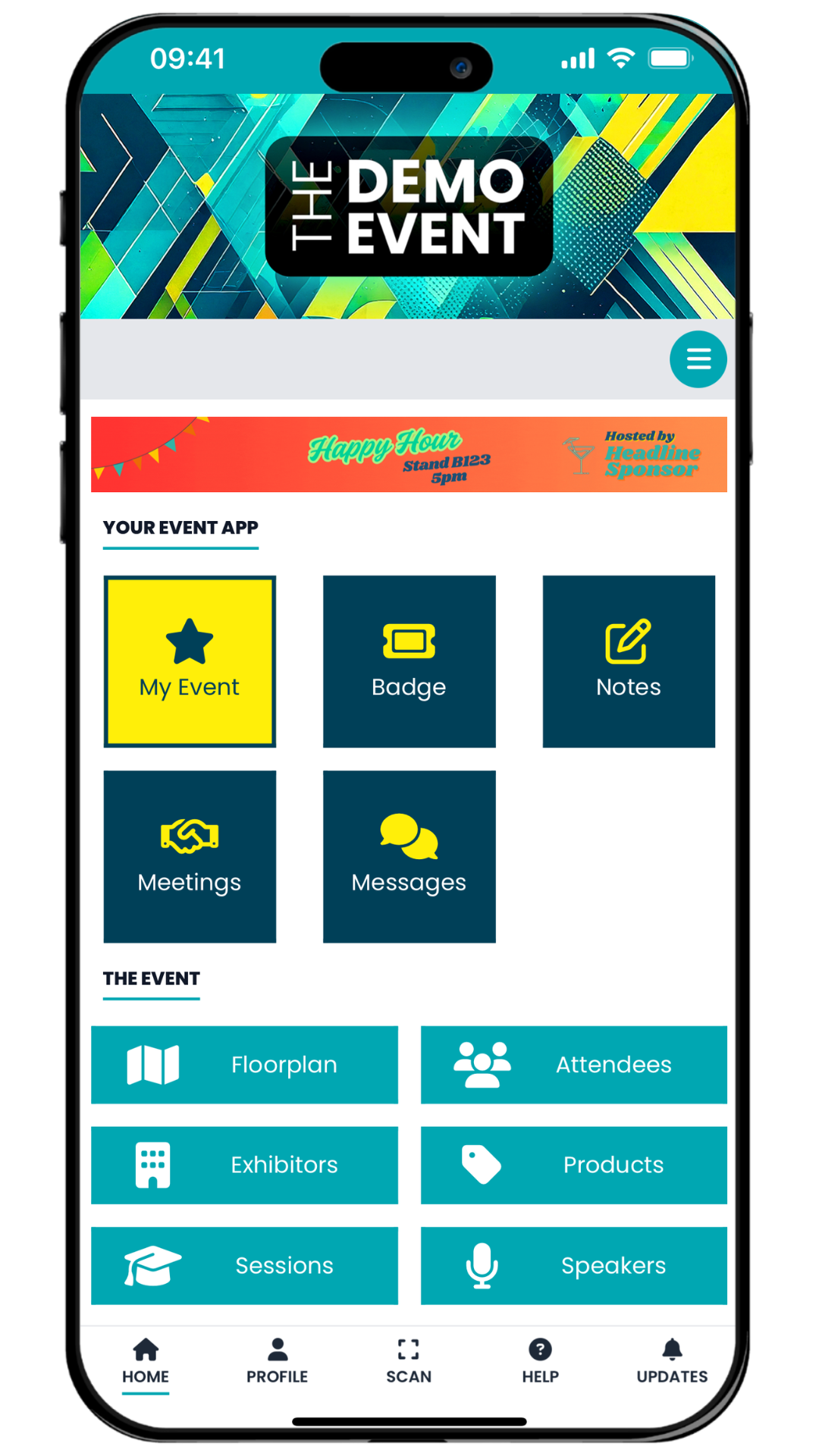
Discover Exhibitors, Sessions, Products, and Speakers tailored to your interests – no more endless scrolling.
Connect & Network Seamlessly
Chat directly with Exhibitors and Visitors, arrange meetings, and keep your calendar organised through the integrated messaging system.
Navigate with Confidence
View the floorplan on the go to find stands, theatres, and lounges effortlessly, so you’ll never get lost.
Your Day, Your Way
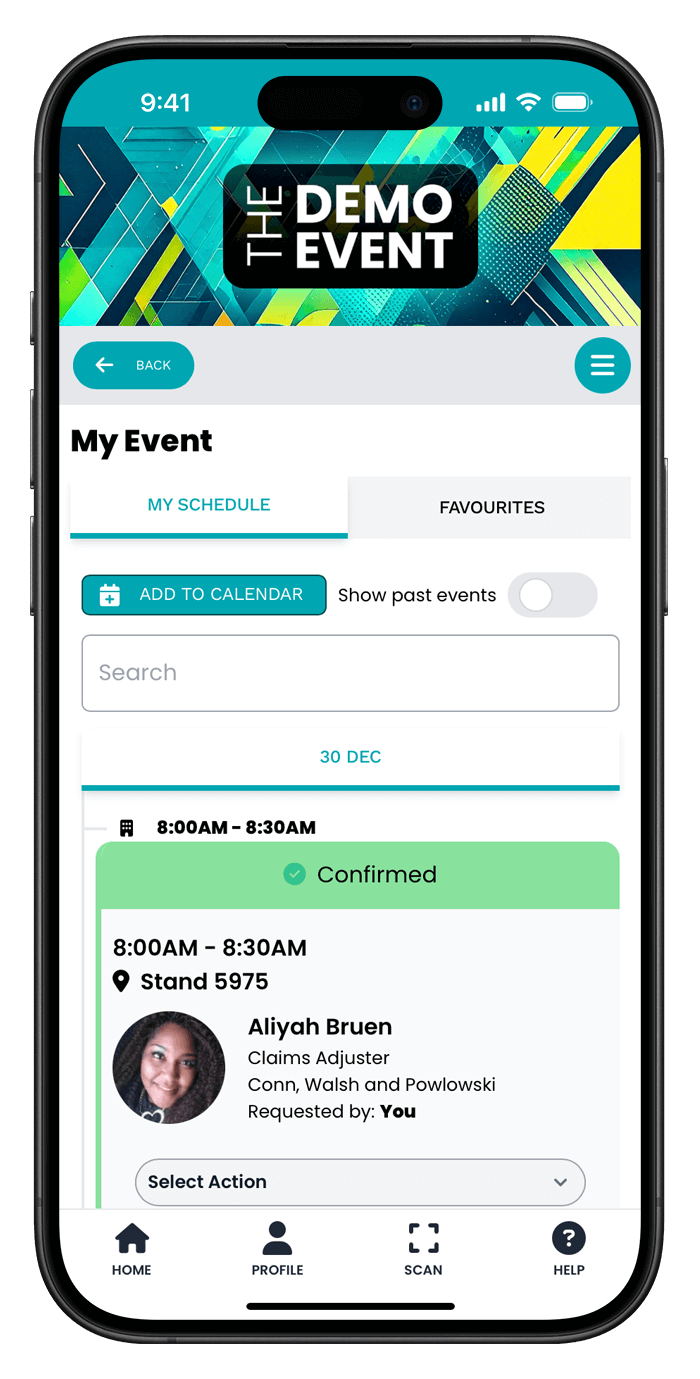
Add People, Exhibitors, Products and Speakers to your favourites in the app, for easy to access before, during and after the show. With the “My Event” dashboard, you’ll see your saved sessions, confirmed meetings, and key reminders in one simple view. Sync your timeline to your mobile calendar to easily manage your day.
Fast, Contactless Entry
Find your digital badge in your app. Just scan your QR code at the badge-printing stations on arrival for a smooth start to your day.